
Creating your connection - Windows Vista
Our 0845 and 0808 dial-up products were withdrawn from service in January 2015. To find out more about this, or if you have any questions please see our Dial closure FAQ.
Open the Connect to the Internet wizard by clicking the Start button, click Control Panel, click Network and Internet, click Network and Sharing Center, click Setup a connection or network, and then click Connect to the Internet or Set up a Dial-up connection.
Select Set up a Dial-up connection.
Click on Next
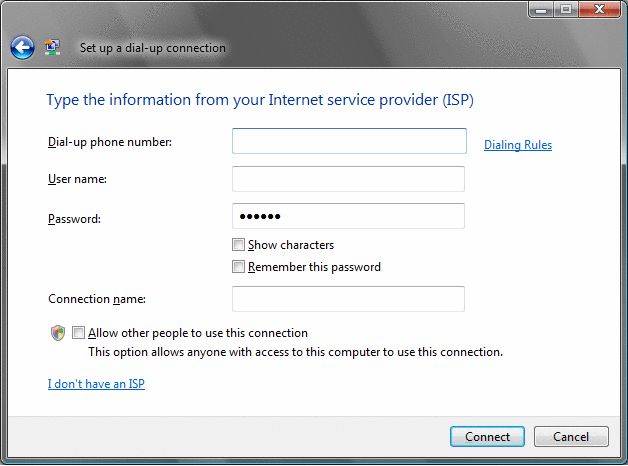
Now click on Connect.
Windows Vista will now configure the dial-up connection.
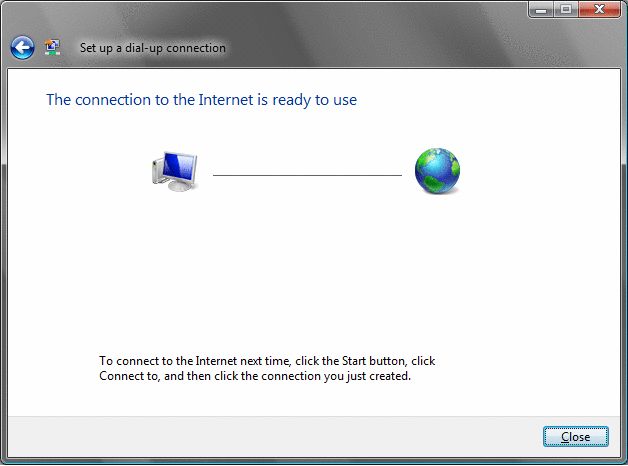
Click on Close once the connection is ready to use.
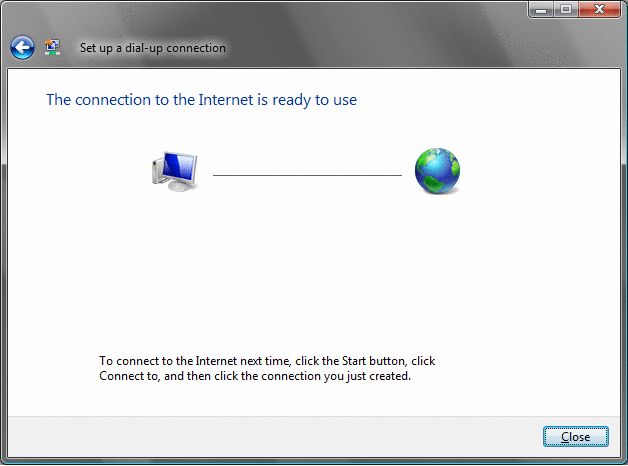
If your Windows did not display your dial-up connection click on Manage network connections in the Network Center and double click on the newly created connection.
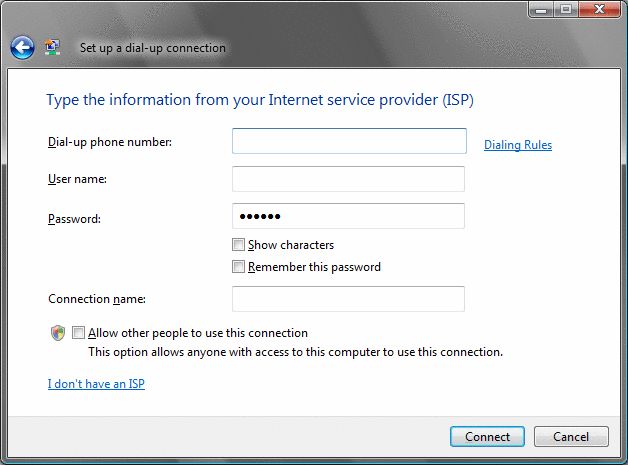
You will now be required to enter information from Madasafish
- Dial-up telephone number: Pay As You Go account - 0844 056 7000 or Anytime account - 0808 991 6106
- User name: username@madasafish.com
- Password: password
- Connection name: Madasafish
Not sure what number to use? See your Dial-up connection settings.
Has this page helped you solve your problem? Your feedback helps us to improve the help we provide.
Rate this page : 


Please note: We cannot reply to individual feedback through Rate My Page. If you need more help with a problem please use Contact Us.


 : General Information
 : Planned Maintenance


