
Setting a default connection - Mac OS 10.x
Our 0845 and 0808 dial-up products were withdrawn from service in January 2015. To find out more about this, or if you have any questions please see our Dial closure FAQ.
1. Click on the Apple icon, then System Preferences and Network.
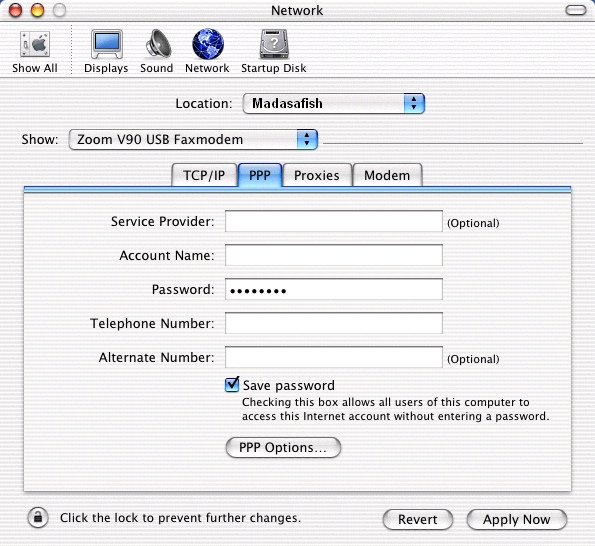
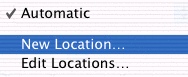
2. Click on the double arrows next to Location and select the configuration you want to make default.
3. Click on PPP and verify that the settings are correct. Click Apply Now then close System Preferences.
Has this page helped you solve your problem? Your feedback helps us to improve the help we provide.
Rate this page : 


Please note: We cannot reply to individual feedback through Rate My Page. If you need more help with a problem please use Contact Us.


 : General Information
 : Planned Maintenance


